launcher
Environment LauncherPRO
An ultra-lightweight utility to launch and optimize apps, scripts, and URLs with a single click.
| Price | €··· |
| License | Lifetime |
| Devices | 3_Concurrent |
| Platform | Win10+ |
| Plugin Gallery | plugins.kscodelabs.com |
€···Lifetime
License
About
Environment Launcher
Advanced Workspace & Workflow Automation
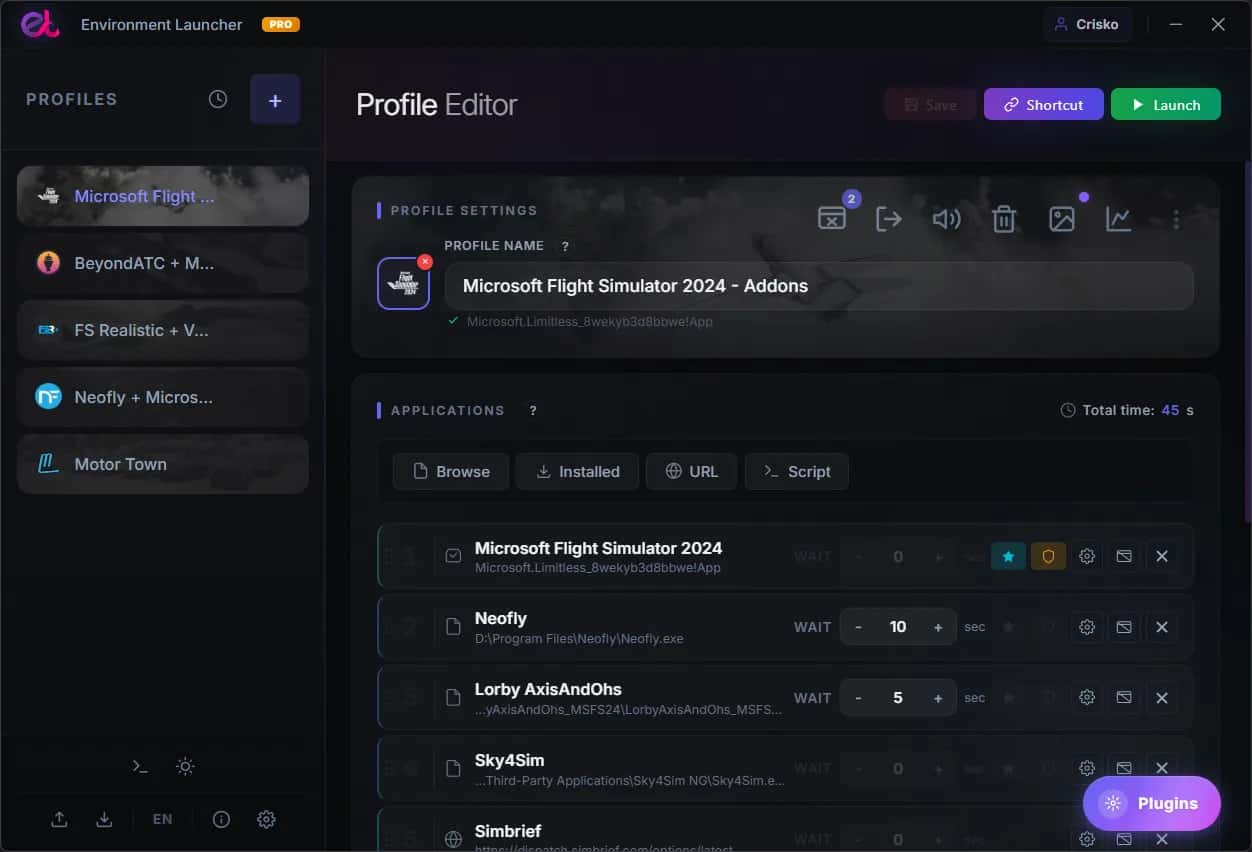
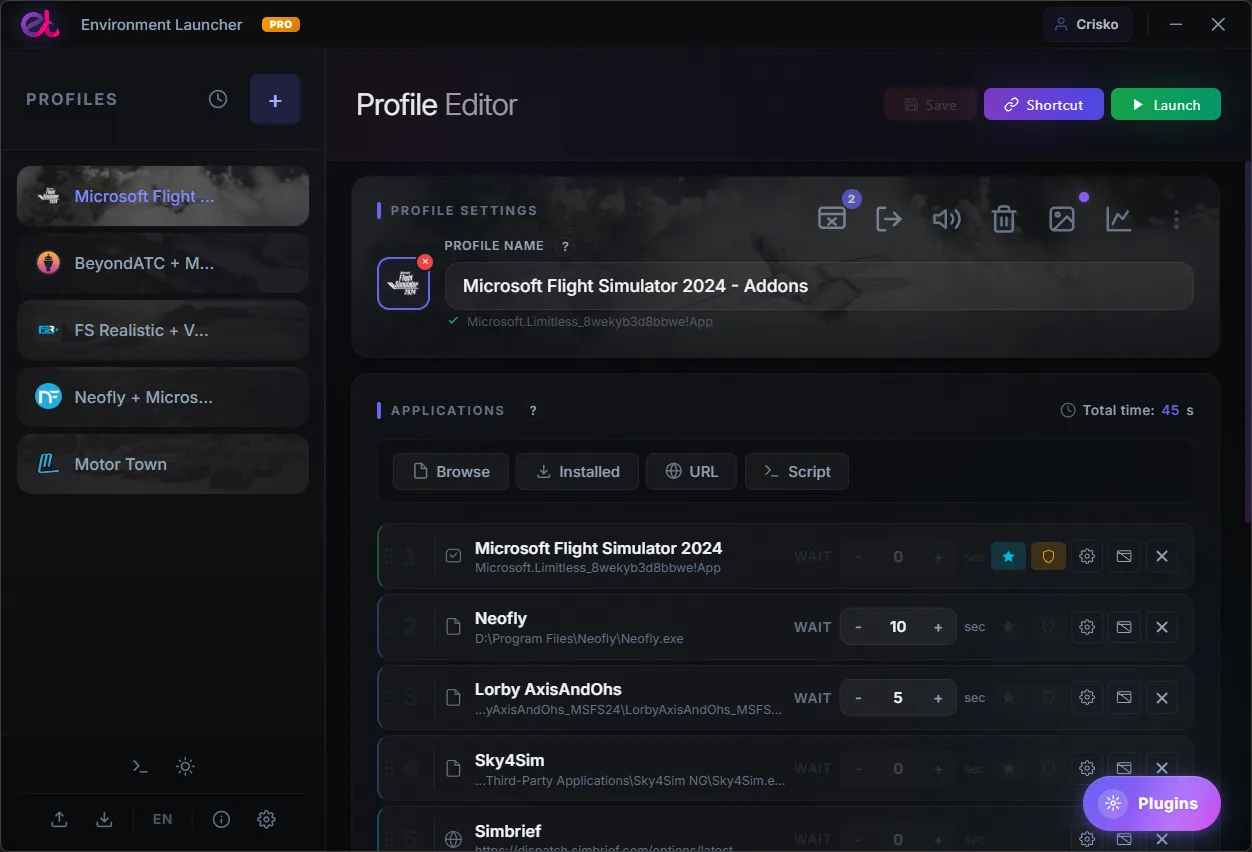
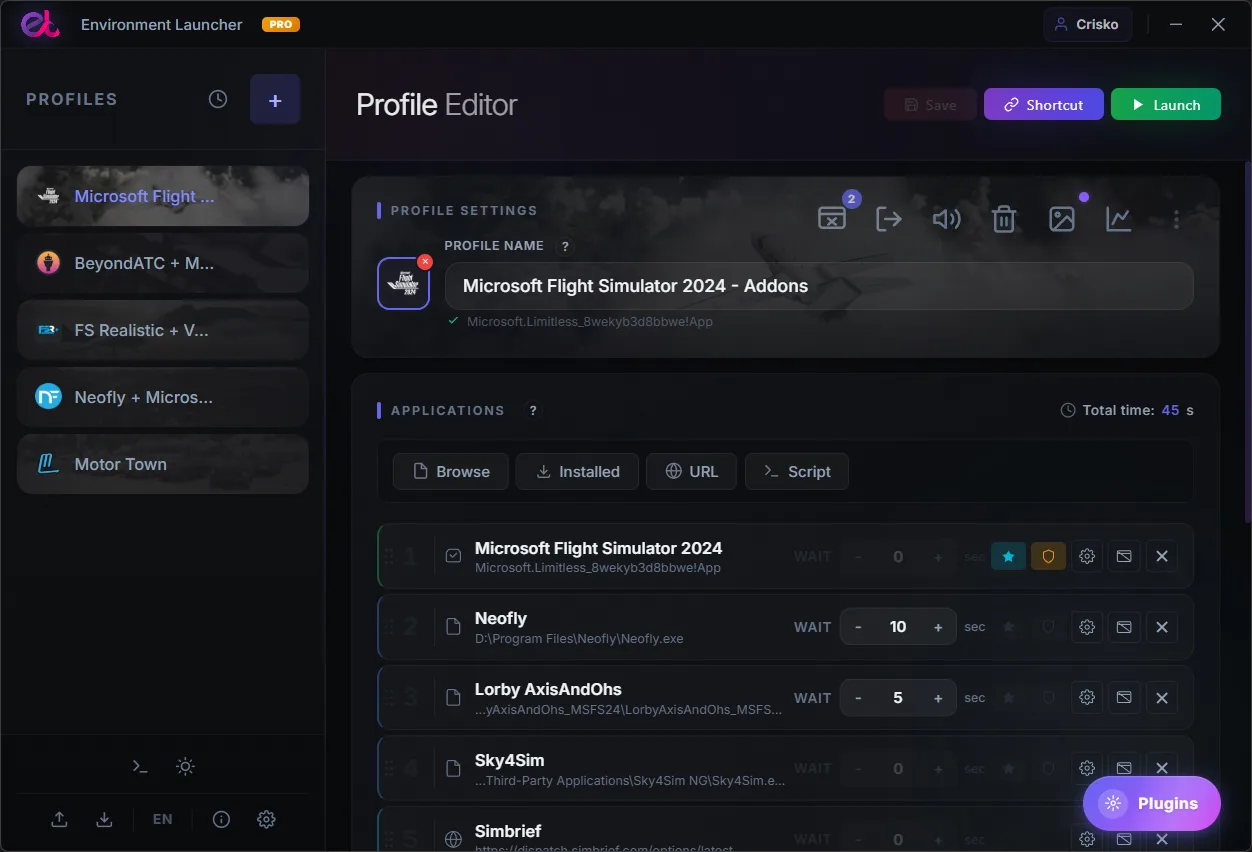
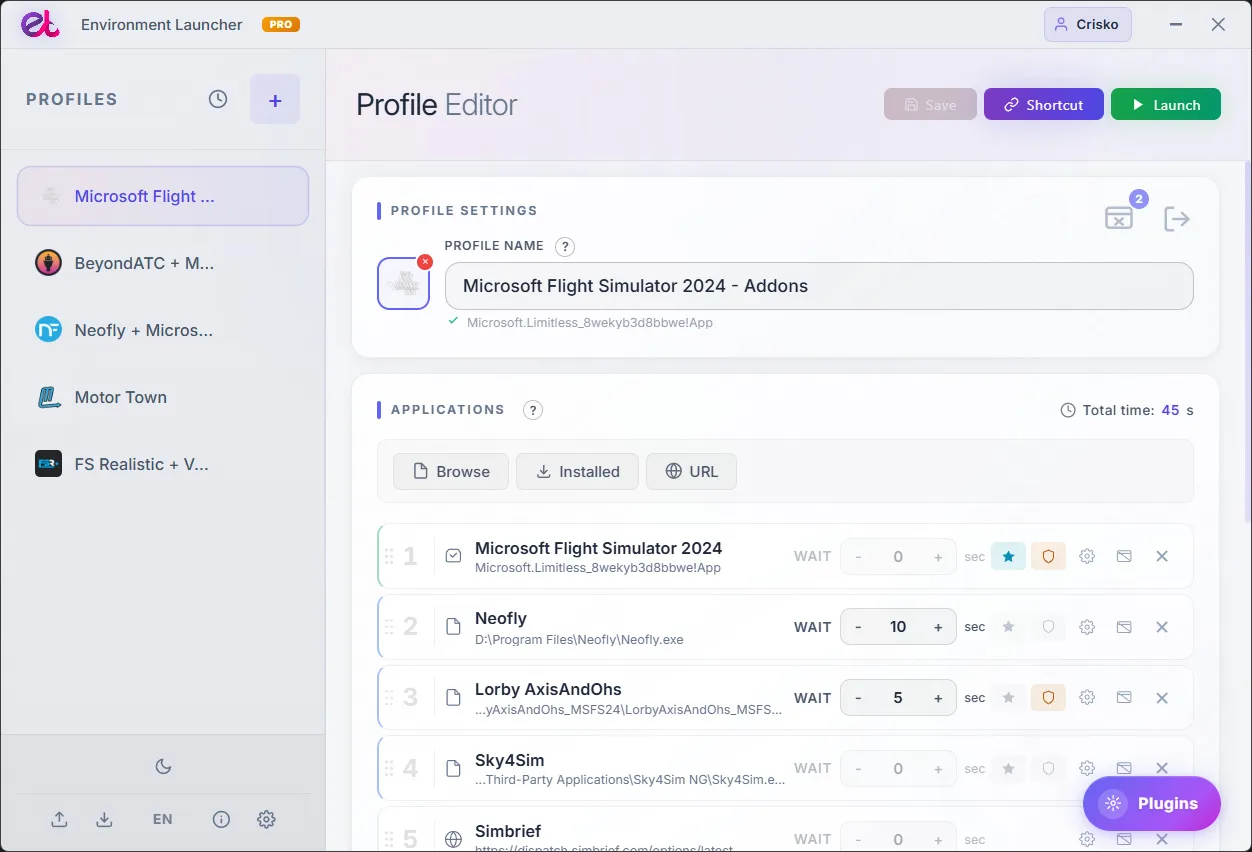
Environment Launcher PRO expands the core capabilities of the application by unlocking the Modular Plugin System. While the free version efficiently handles your core profiles, paths, and launch sequences, upgrading to PRO allows you to transform the application into a highly customizable automation hub tailored to your specific needs.
To ensure the core application remains lightweight and performance-focused, all advanced and specialized features are isolated into separate modules. With the integrated Plugin Gallery, PRO users can browse, download, and install official add-ons with a single click directly from the app interface, running only the exact tools their workflow demands.
Features Unlocked via the PRO Plugin System:
By upgrading to PRO, you unlock access to the built-in gallery, allowing you to activate specialized modules as your workflow requires:
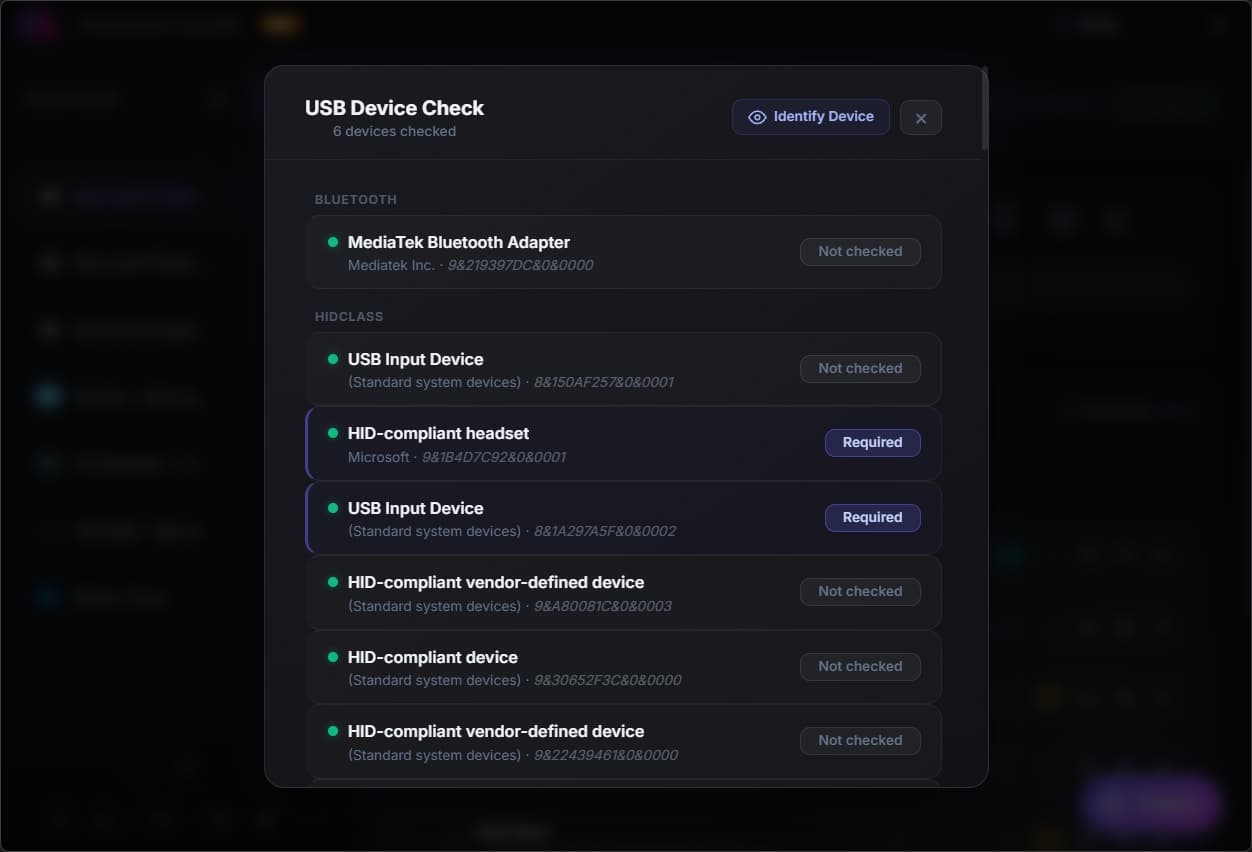
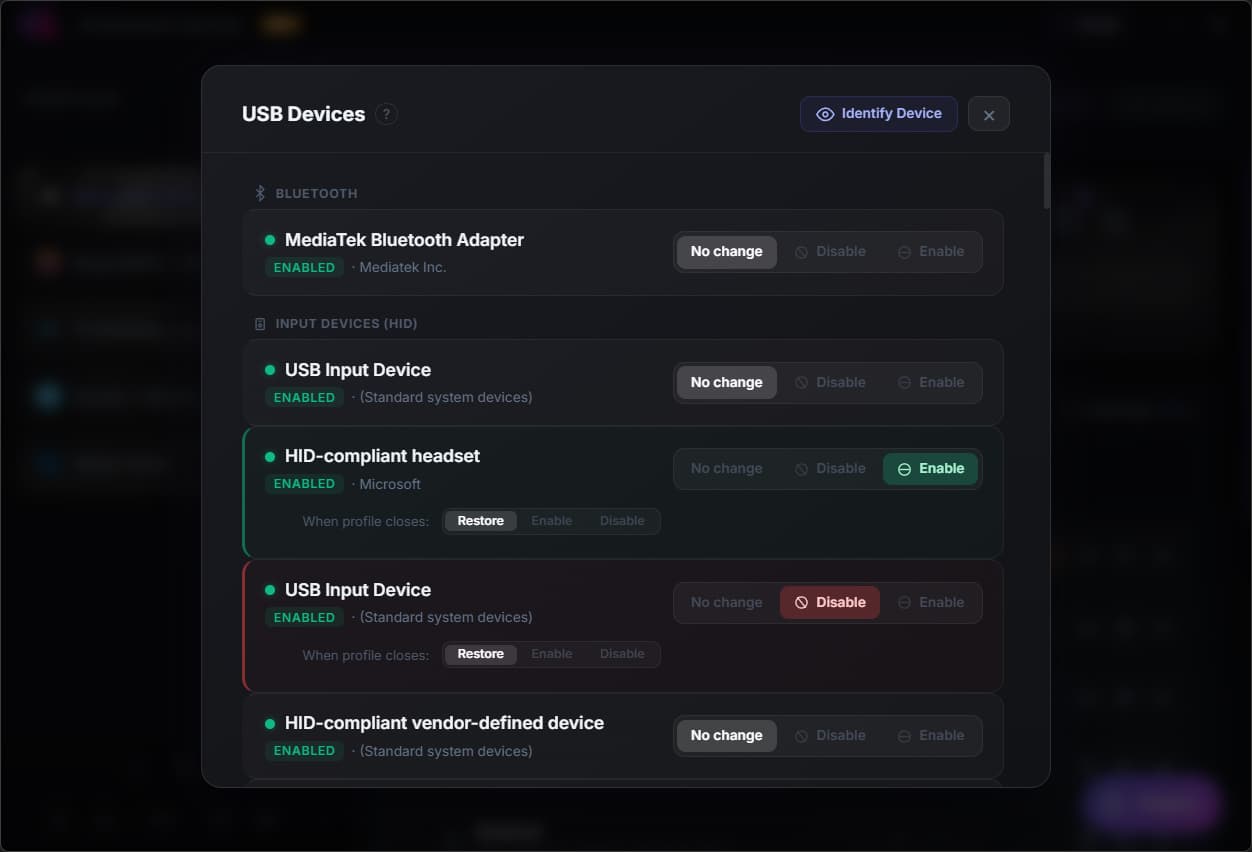
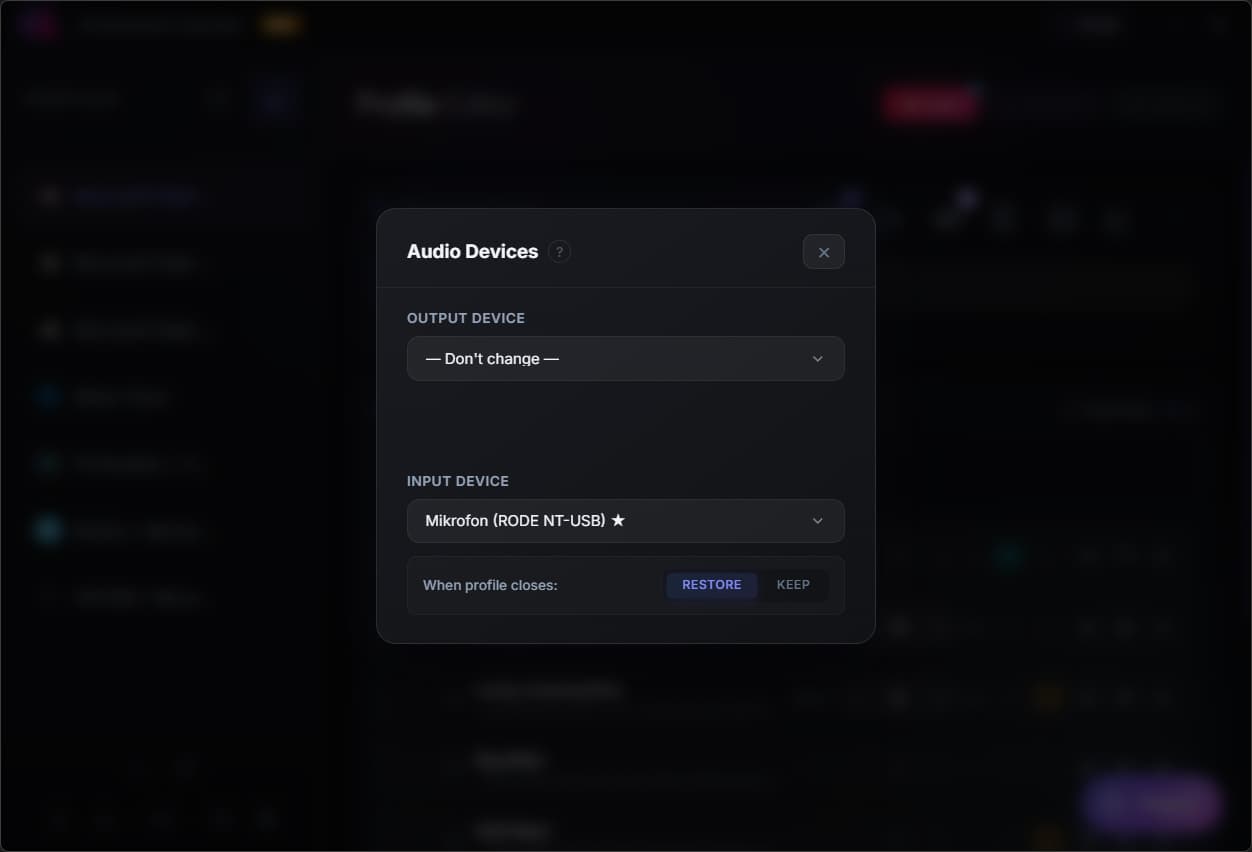
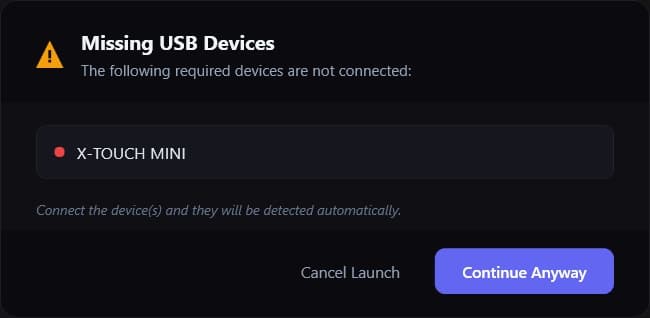
• Hardware & Audio Automation: Automatically toggle specific USB devices upon profile activation using the Advanced USB Manager, or switch system default audio inputs and outputs instantly with the Audio Output Switcher.
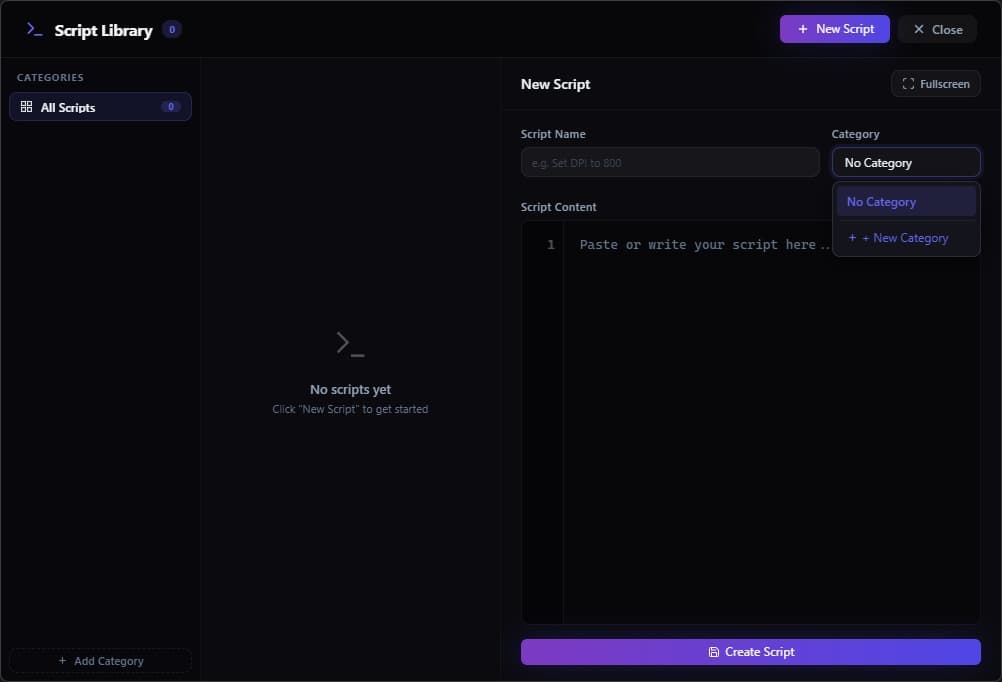
• Custom Scripting & Deep Automation: Execute tailored tasks during startup. The integrated Script Library & Code Editor allows you to attach custom automation scripts directly to your profiles, running them silently in the background when a profile launches.
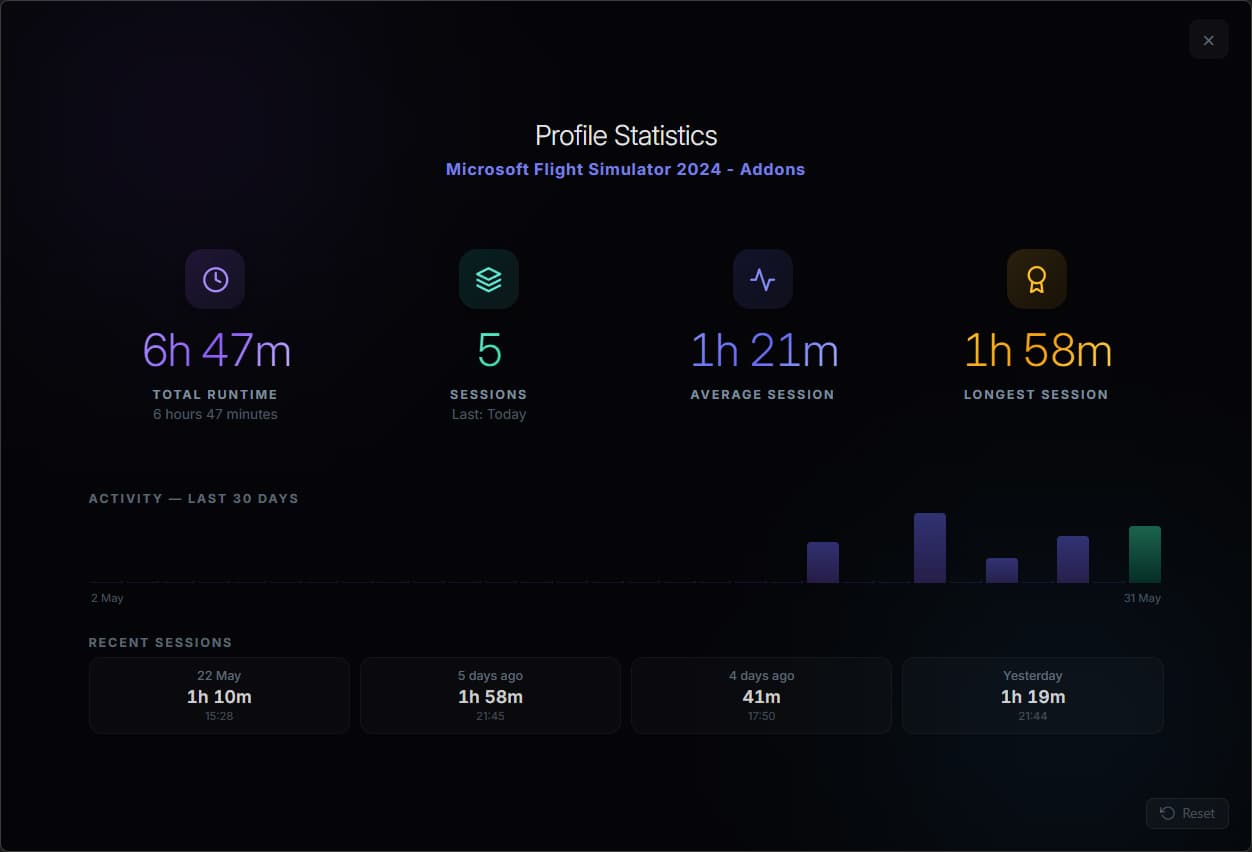
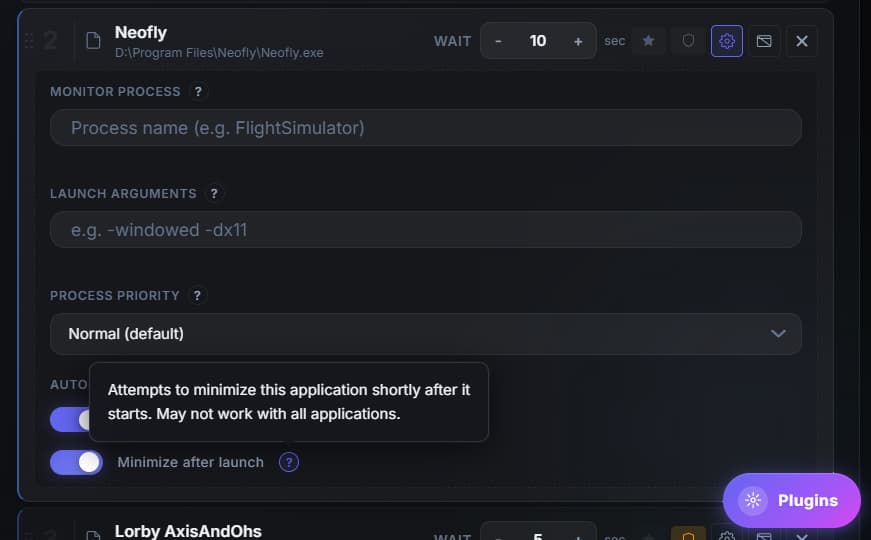
• Workspace Management & Tracking: Keep your desktop organized by automatically minimizing selected apps immediately after launch. You also unlock Profile Statistics & Analytics to track total runtime, session history, and 30-day activity logs for individual workflows.
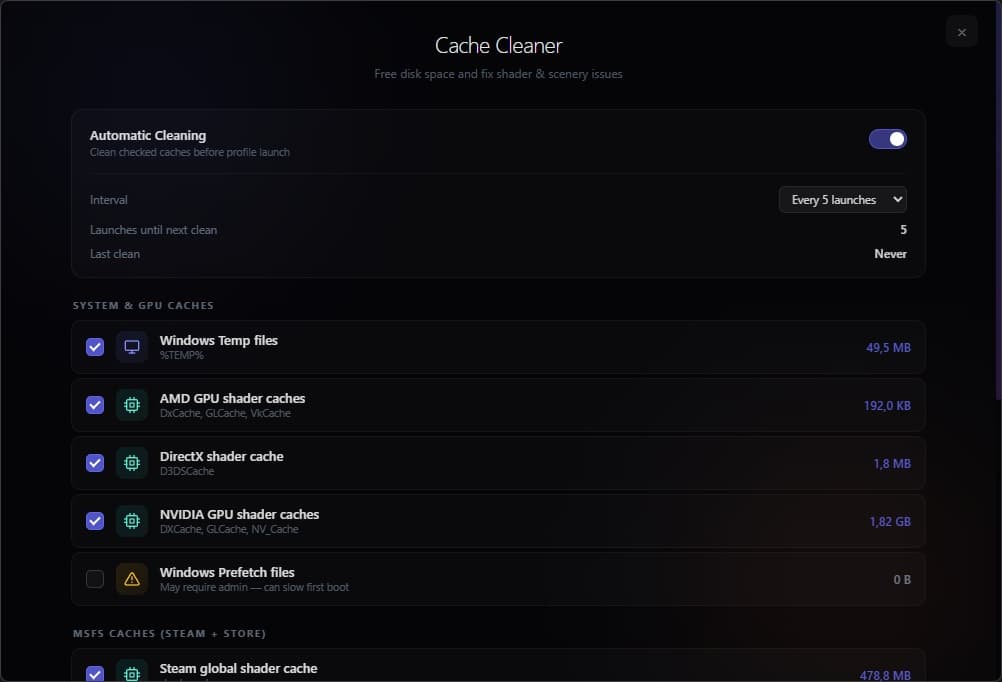
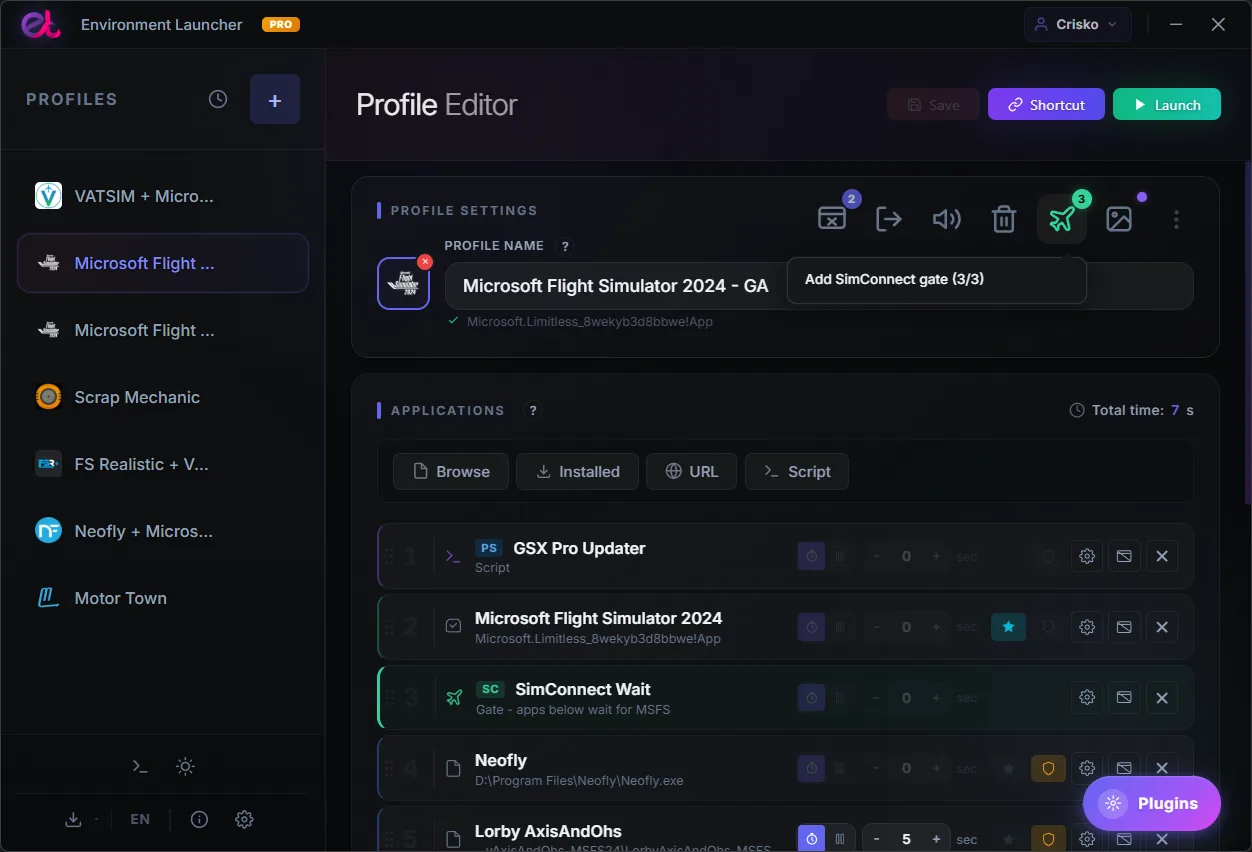
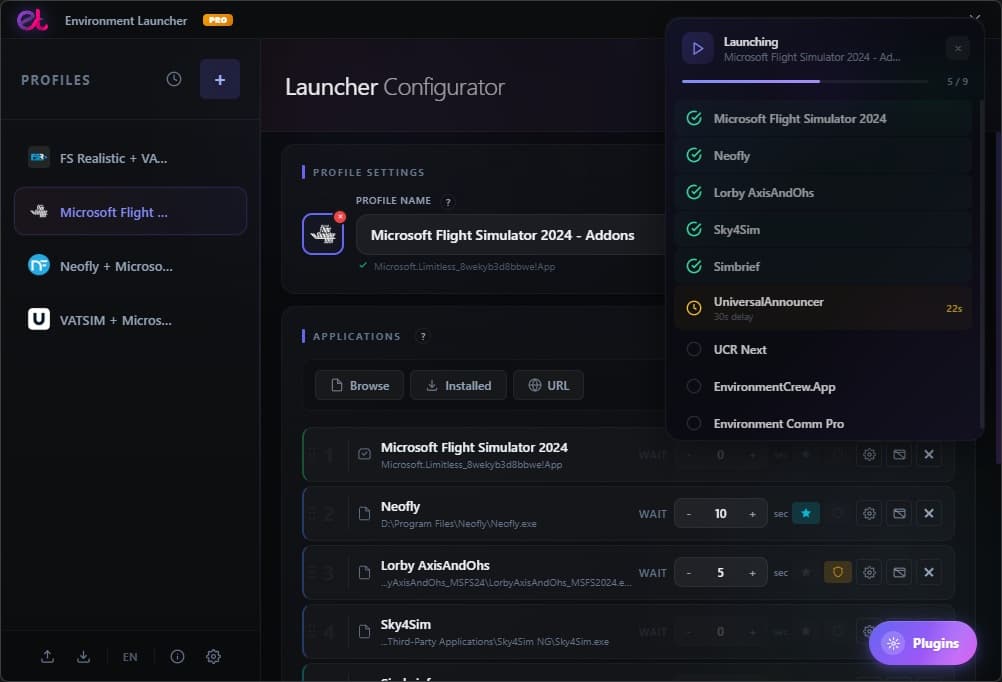
• Simulation Tools: Features like SimConnect Connection Wait and the Launch Progress Tracker orchestrate exact loading sequences for complex simulation environments, while the MSFS Cache Cleaner helps maintain simulator performance.
• Interface Customization: Personalize the application workspace with Custom Profile Backgrounds and an automated Theme Toggle (Light/Dark Mode).
Community-Driven Development without Application Bloat
Environment Launcher is built on a performance-first philosophy. To prevent the core software from becoming heavy or cluttered with features used only by a minority of users, the PRO version utilizes this modular system to integrate new user requests.
Instead of adding heavy background processes to the main application for everyone, new utility requests and specialized tools are developed strictly as optional, downloadable plugins.
• User-driven updates: PRO users can submit ideas for specialized integrations, specific software tweaks, or advanced automation rules.
• Practical development: Feature requests that solve functional, real-world problems for power users are built into dedicated plugins.
• Maintained performance: You only download the tools you intend to use, keeping your system performance unaffected by unused features.
Streamline your setup and unlock modular automation. Upgrade to PRO today.
Environment Launcher PRO expands the core capabilities of the application by unlocking the Modular Plugin System. While the free version efficiently handles your core profiles, paths, and launch sequences, upgrading to PRO allows you to transform the application into a highly customizable automation hub tailored to your specific needs.
To ensure the core application remains lightweight and performance-focused, all advanced and specialized features are isolated into separate modules. With the integrated Plugin Gallery, PRO users can browse, download, and install official add-ons with a single click directly from the app interface, running only the exact tools their workflow demands.
Features Unlocked via the PRO Plugin System:
By upgrading to PRO, you unlock access to the built-in gallery, allowing you to activate specialized modules as your workflow requires:
• Hardware & Audio Automation: Automatically toggle specific USB devices upon profile activation using the Advanced USB Manager, or switch system default audio inputs and outputs instantly with the Audio Output Switcher.
• Custom Scripting & Deep Automation: Execute tailored tasks during startup. The integrated Script Library & Code Editor allows you to attach custom automation scripts directly to your profiles, running them silently in the background when a profile launches.
• Workspace Management & Tracking: Keep your desktop organized by automatically minimizing selected apps immediately after launch. You also unlock Profile Statistics & Analytics to track total runtime, session history, and 30-day activity logs for individual workflows.
• Simulation Tools: Features like SimConnect Connection Wait and the Launch Progress Tracker orchestrate exact loading sequences for complex simulation environments, while the MSFS Cache Cleaner helps maintain simulator performance.
• Interface Customization: Personalize the application workspace with Custom Profile Backgrounds and an automated Theme Toggle (Light/Dark Mode).
Community-Driven Development without Application Bloat
Environment Launcher is built on a performance-first philosophy. To prevent the core software from becoming heavy or cluttered with features used only by a minority of users, the PRO version utilizes this modular system to integrate new user requests.
Instead of adding heavy background processes to the main application for everyone, new utility requests and specialized tools are developed strictly as optional, downloadable plugins.
• User-driven updates: PRO users can submit ideas for specialized integrations, specific software tweaks, or advanced automation rules.
• Practical development: Feature requests that solve functional, real-world problems for power users are built into dedicated plugins.
• Maintained performance: You only download the tools you intend to use, keeping your system performance unaffected by unused features.
Streamline your setup and unlock modular automation. Upgrade to PRO today.
Screenshots
What's Included
Lifetime license - pay once, use forever
Activate on up to 3 devices
Free updates and technical support
Minimal internet - periodic license check only
No subscription required
Ready to get started?
Get lifetime access to Environment Launcher PRO